Features
Everything a proposal needs, and everything that happens after the signature.
Build it from blocks, send a link, watch it get read, collect the signature and the deposit, then handle changes, the final payment, and the review from the same page.
Build
A fixed set of blocks, each one designed. No page builder, so the second proposal takes three minutes.
- CoverA photo behind the title, your logo, your trust line, your color.
- HighlightsWhat is included and what is not, at a glance.
- PackagesTwo or three tiers. The client picks one and the price follows.
- Before and afterTwo photos with a slider between them.
- TimelineWhat happens when, in steps.
- TeamPhoto, name, and role for the people on the job.
- ReviewsQuotes from past clients, saved once in your library.
- FAQ and next stepsThe questions people ask before they say yes, and what happens after.
- VideoA YouTube or Loom link, shown clean until they press play.
- Company libraryLogo, team, reviews, licenses, standard terms, signature. Saved once, on every proposal.
- Trade templatesReal pricing for painting, cleaning, roofing, and more. Save your own.
Send and track
A link, not an attachment. You know when it was opened, what they read, and what to do next.
- Open and reading timeFirst open, every open, and how long each section held them.
- Reminders and expiryDay three, day seven, then it expires. Extend or reopen in one click.
- Client questionsThey ask on the page, you answer from the editor, both get an email.
- Revise before signingVersion two starts as a draft; the old link forwards to it.
- Text the linkProSend and remind by text, with consent recorded.
Sign and collect
A typed or drawn signature, a certificate anyone can verify, and the deposit on the same page.
- E-signatureName, consent, time, IP, and the exact content they saw, recorded at signing.
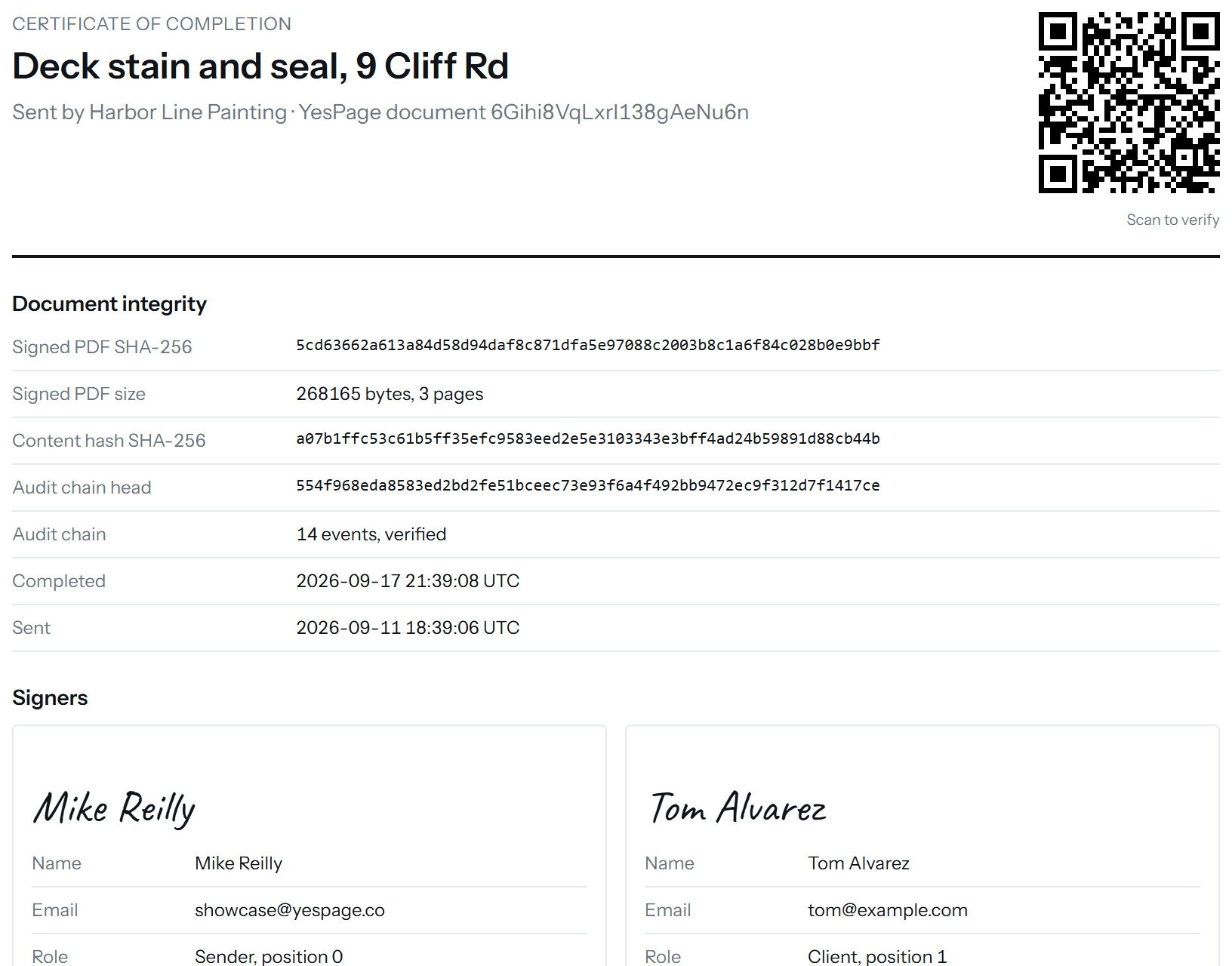
- Certificate of completionHashes, signers, payments, and the audit trail, on one page, with a QR code.
- Verify any copyScan the code or hash the PDF. It checks out with or without us.
- Deposit by cardPercent or fixed, paid on the accept bar, straight to your Stripe account.
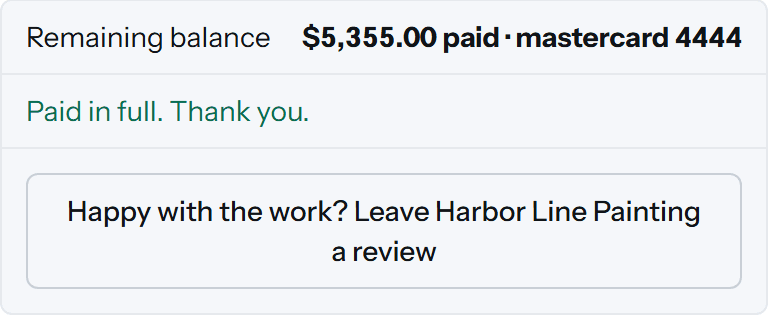
- Balance requestOne click emails a pay-by-card link when the job is done.
- Checks and cashRecord what came in by hand; the certificate shows it paid.
After the job
The proposal keeps working after the signature: changes, the final payment, the review, the numbers.
- Change ordersProA signed addendum with its own PDF. The balance follows; the deposit never moves.
- Review requestsProAfter the final payment, one click sends your review link.
- InsightsProWin rate, average job, time to signature, which extras clients keep.
- Everyone includedProInvite the office manager and the second estimator. No per-seat pricing.
Everything without a Pro tag is on the free plan, with unlimited proposals and signatures. See pricing.
Build
Looks like your company, not ours.
A Cover block puts a photo behind the title with your logo, your trust line, and your accent color on every button. Highlights show what is in and what is out at a glance. Text blocks get a heading and an opening line so the page has rhythm instead of a wall.
Your logo, team, reviews, licenses, and standard terms live in the company library and land in every proposal on their own.

Packages
Let them pick the tier, and let the price follow.
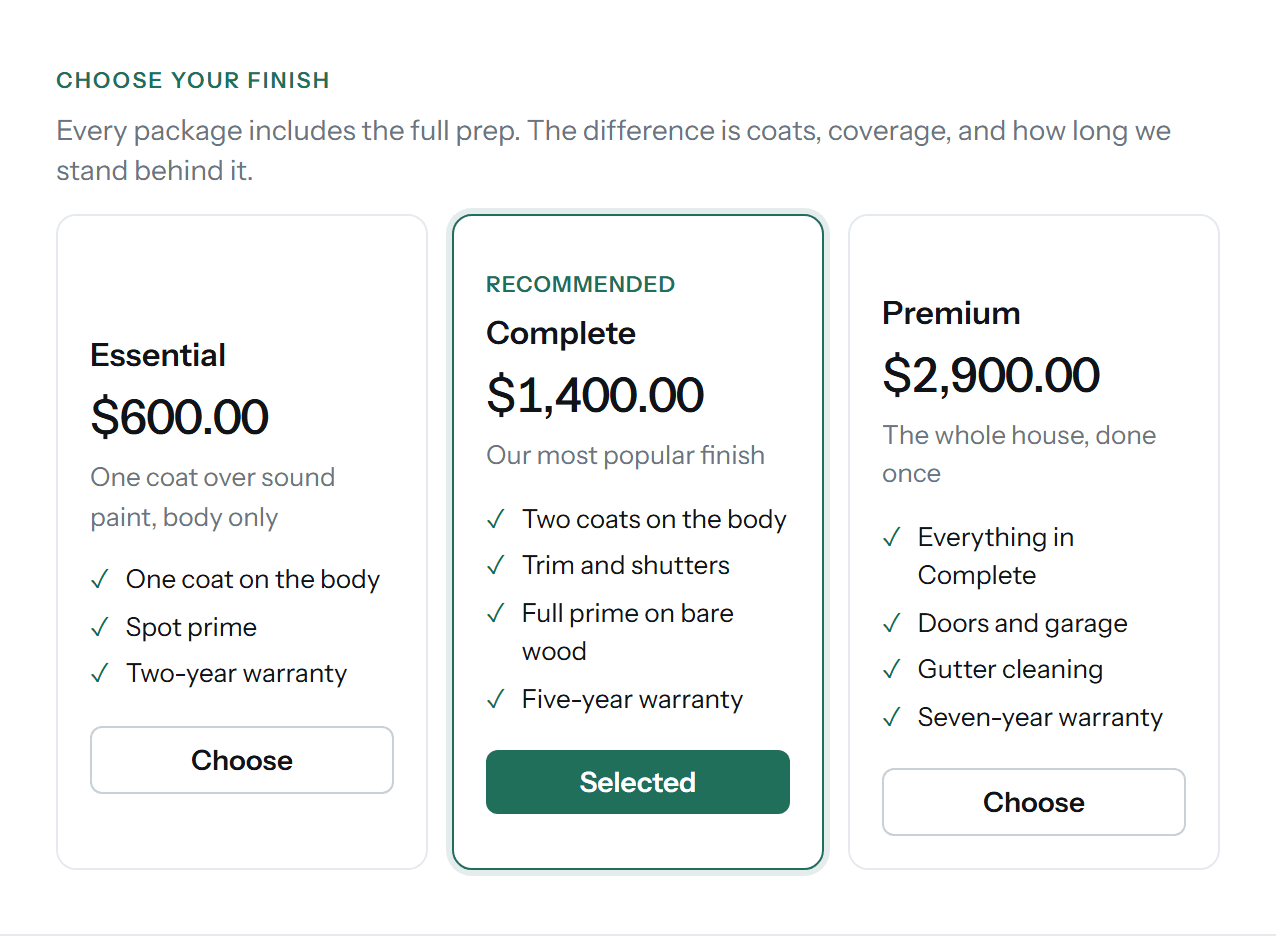
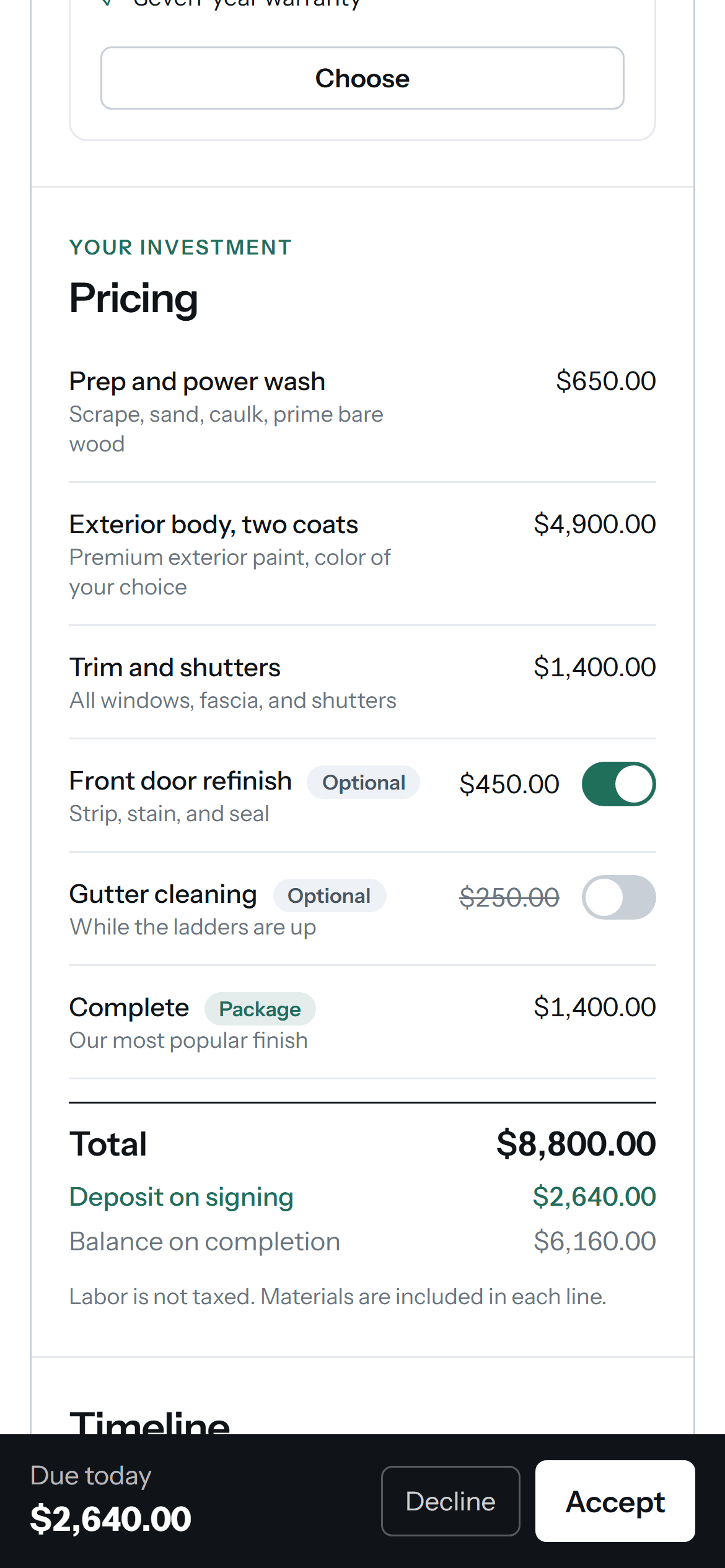
Two or three packages as cards, with a recommended one preselected. The client picks; the chosen package becomes a line in the pricing table and the total and deposit update with it. What they chose is frozen into the signed record.
Optional items work the same way on single lines: on by default or off, toggled by the client, priced live.
Before and after
Show the result, not a paragraph about it.
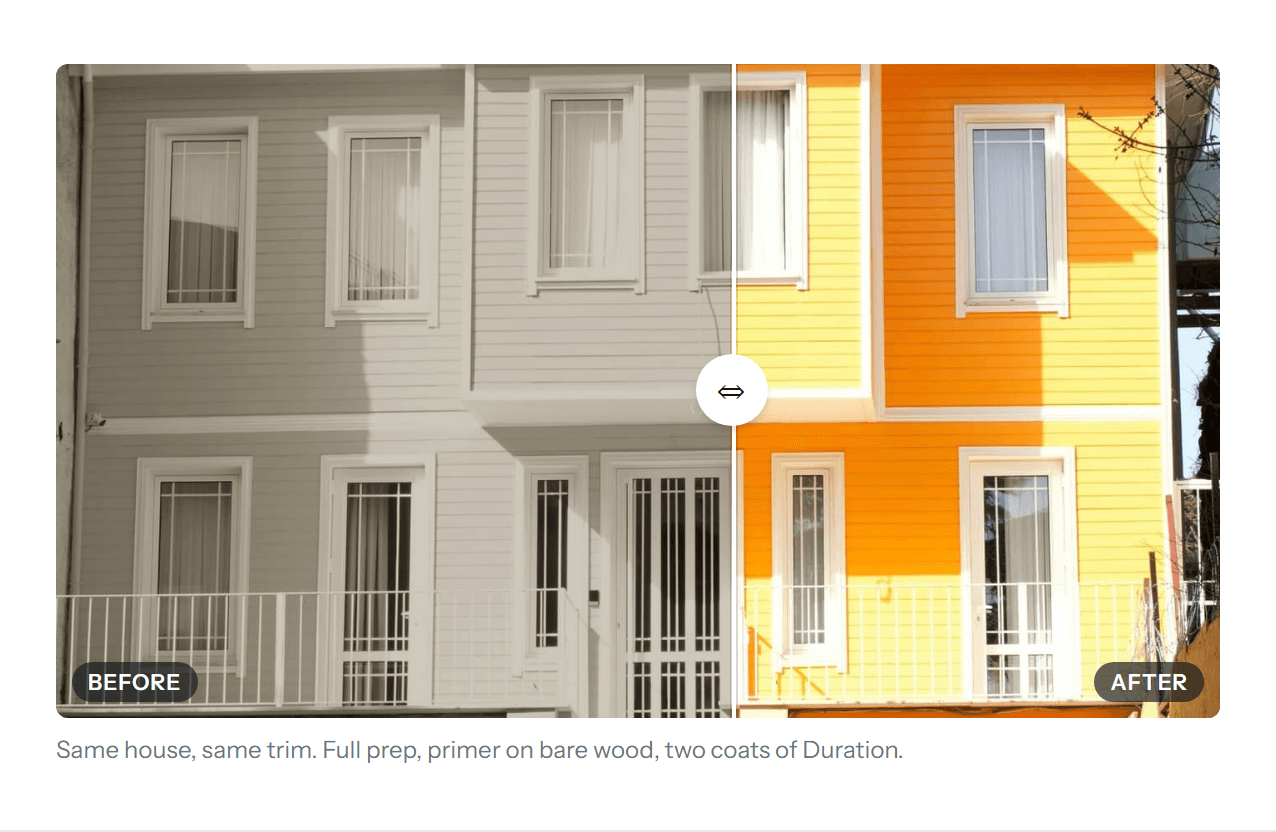
Two photos with a slider between them. On the client's phone it drags; in the signed PDF the two sit side by side. The Image block does single photos and small galleries, and Video embeds a YouTube or Loom clip behind your own play button.
Timeline and team
Who is coming, and when.
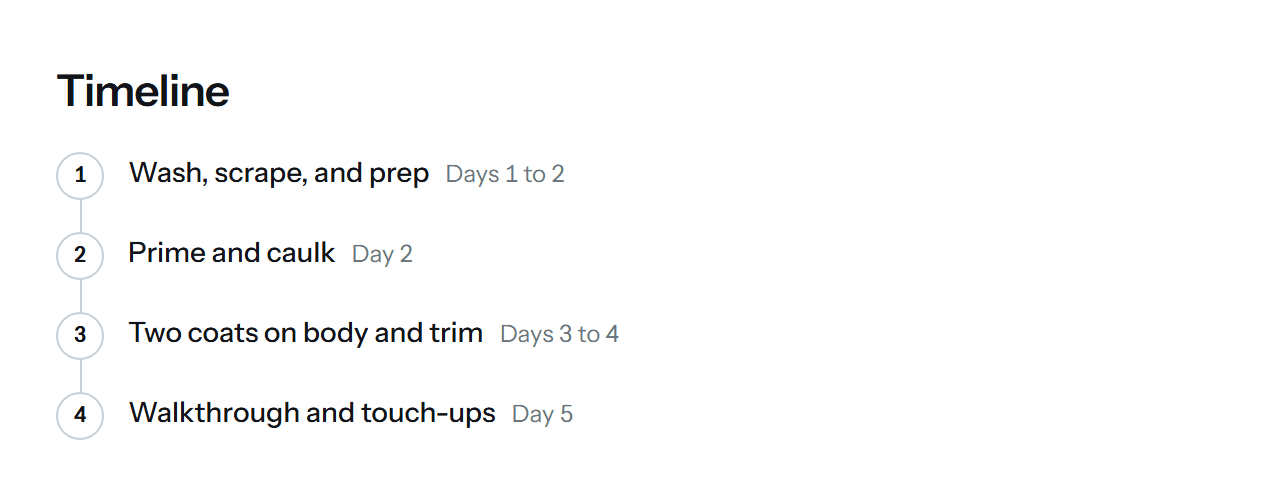
The Timeline block lays the job out in numbered steps with dates or day ranges. The Team block shows the people who will actually be at the house, pulled from your library with their photos, so the client knows who is coming before the truck pulls up.
Reviews, FAQ, and Next steps round out the page: what past clients said, what people ask before saying yes, and what happens the moment they sign.

Send and track
You know who is reading, who signed, and what to do next.
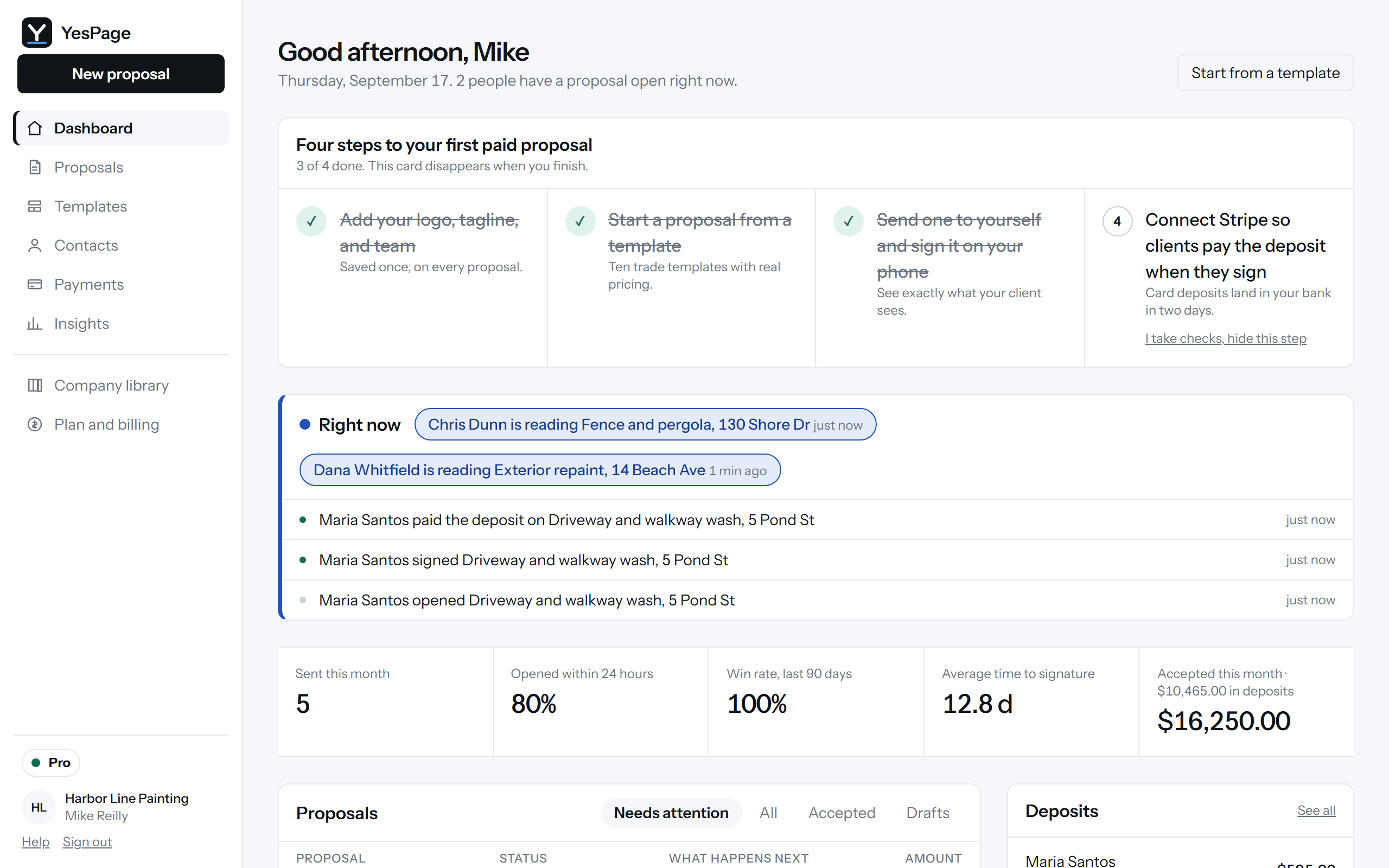
The dashboard shows who has a proposal open right now, how many times each was opened, and how long each section held their attention. A reminder goes out on day three and day seven; after that it expires, and one click extends or reopens it.
Clients ask questions on the page and you answer from the editor. Need a change before they sign? Revise starts version two as a draft and the old link forwards to it.
Sign and verify
A signature you can stand behind.
Signing is a typed or drawn name plus one consent line, no account and no app. At that moment we record the name, the time, the IP address, the browser, and the exact content they saw, hashed.
The signed PDF is hashed, the audit trail is chained, and the certificate of completion prints all of it with a QR code. Scan it, or hash your copy of the PDF, and it checks out years later, with or without us.
Deposits and balances
The money on the same page as the signature.
The deposit is collected on the accept bar by card, into your own Stripe account, at 0% platform fee on Pro. When the job is done, Request the balance emails a pay-by-card link. Checks and cash get recorded by hand so the ledger, the client page, and the certificate all agree.
Change orders
Scope changes get signed too.
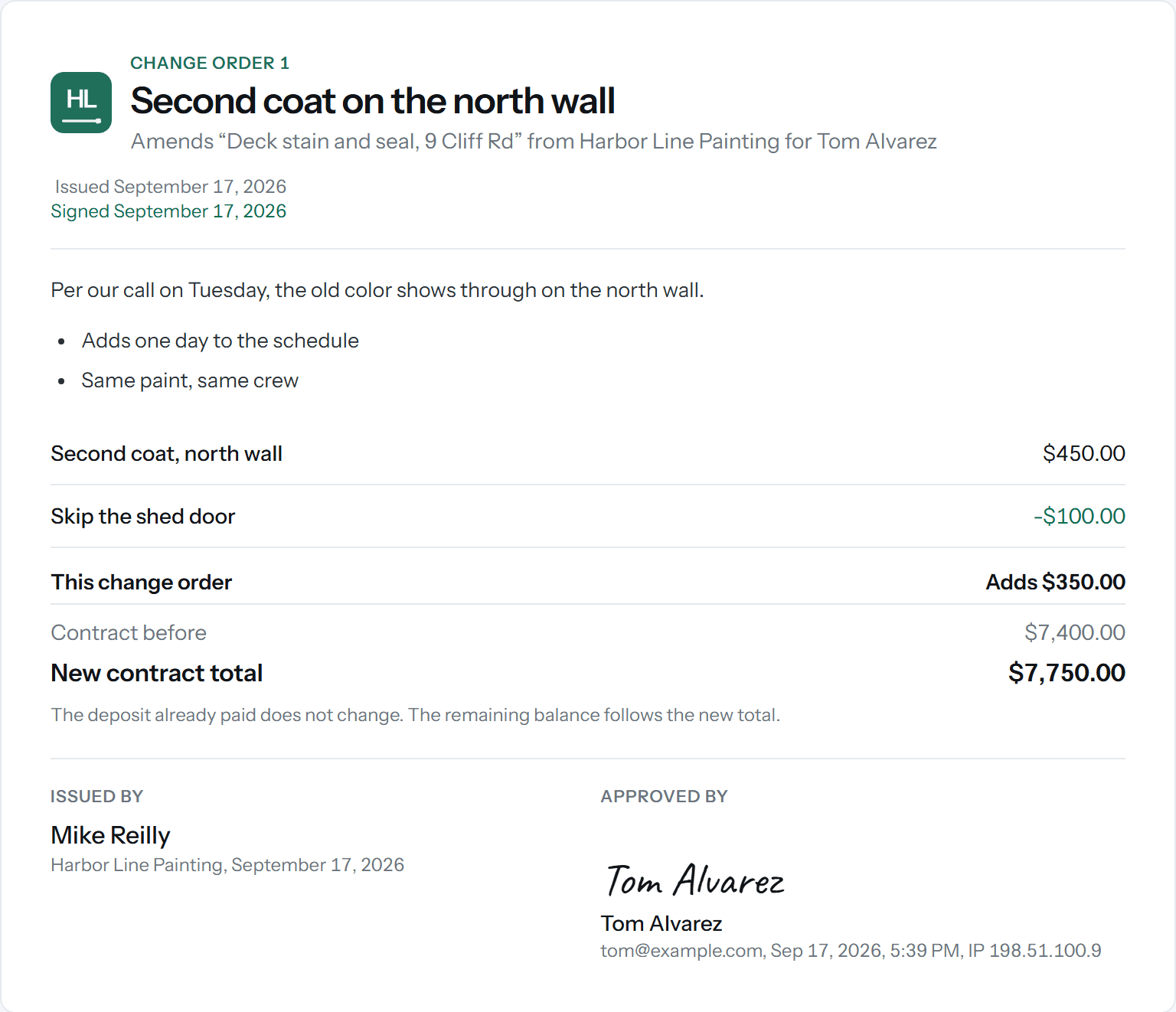
When the job grows, send a change order: a short list of lines, credits allowed, with its own hash, its own signature, and its own PDF. The contract total and the balance follow. The deposit never moves.Pro
If a credit leaves the client overpaid, the refund path is built in, by card from Stripe or by check, and recorded.
Review requests
Ask at the one moment they say yes.
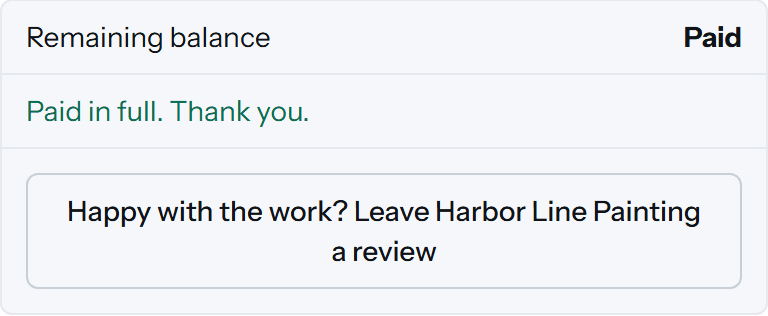
Once the balance is paid, one click emails a thank-you with your Google review link, and the same button appears on the client's page. Once per proposal, never before the money is in.Pro
Insights
Which proposals close, and why.
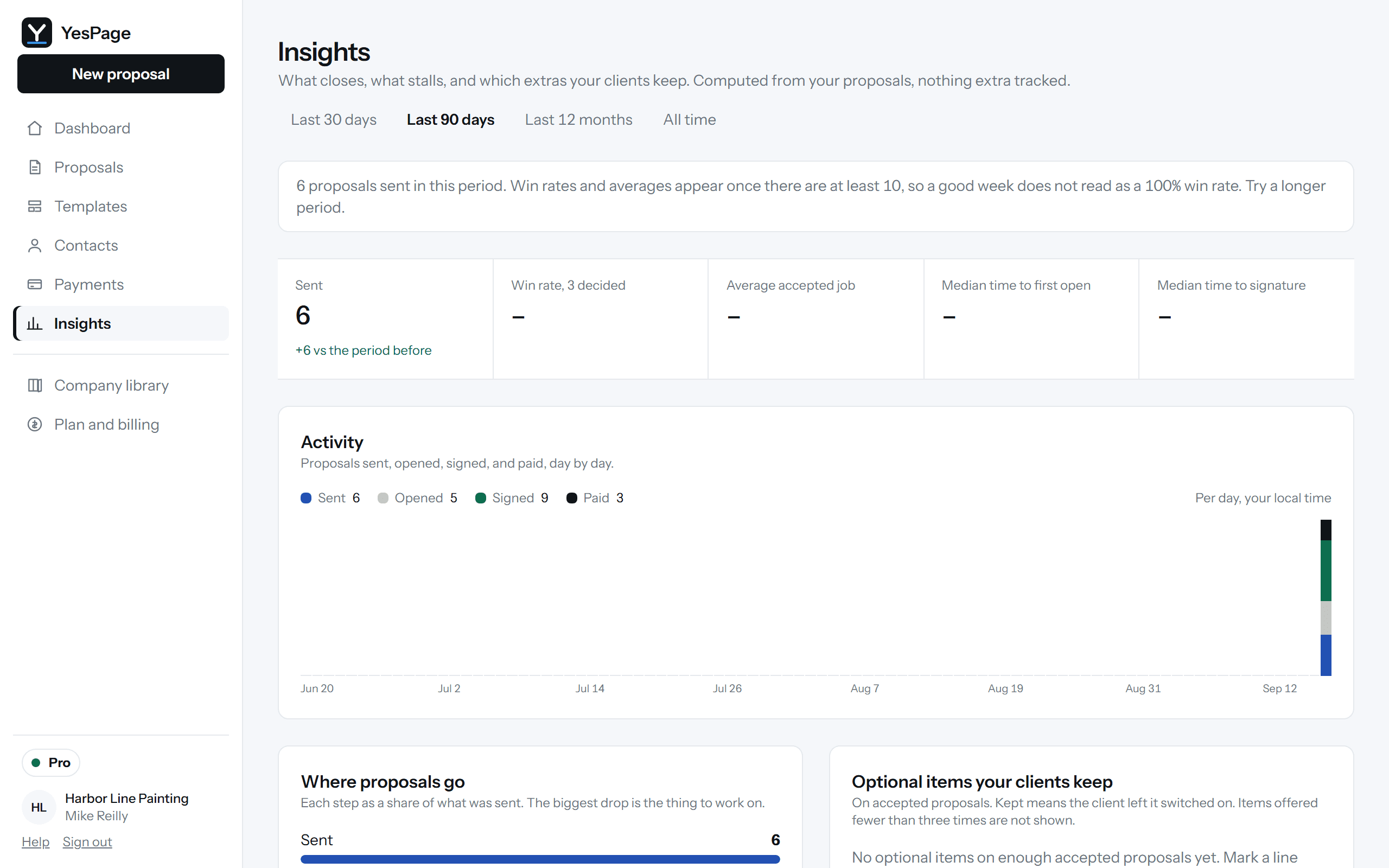
Win rate, average accepted job, median time to first open and to signature, which optional items clients keep, which templates win, and what happens by price band. Computed from your own proposals, nothing extra tracked.Pro
The editor
Every proposal keeps its own record.
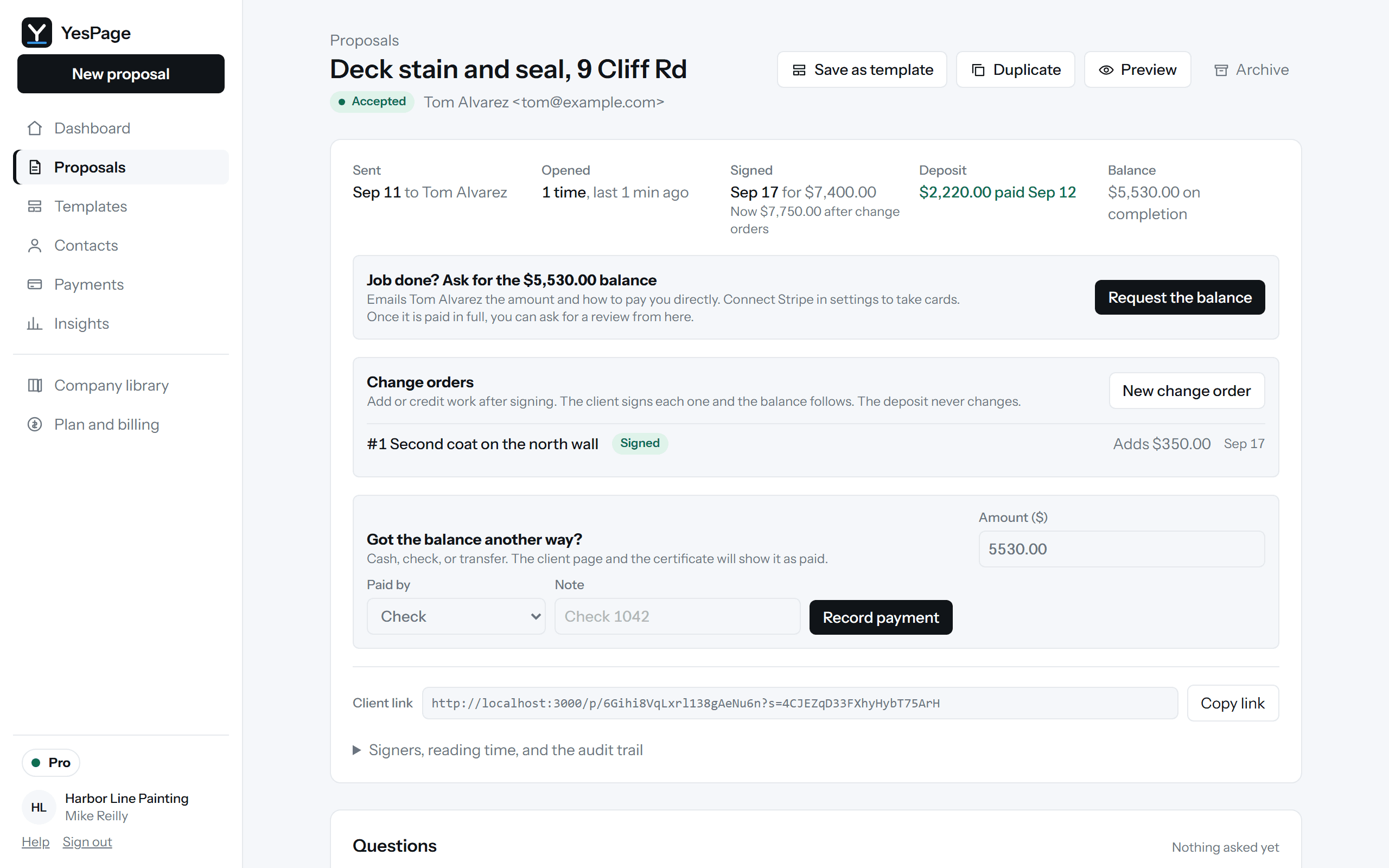
Sent, opened, signed, deposit, balance, change orders, and the audit trail, on one screen per proposal, with the client link and the actions that make sense for where it is.
Unlimited proposals and signatures, free.
Pro is $39 a month flat for the whole team: badge off, 0% fees, texts, change orders, review requests, and Insights.